A browser-based visual environment for creating games and interactive applications, developed in partnership with Clickteam.
I lead the architecture and development of the entire FusionCR platform. My work spans its visual editors, event engine, compilation and export pipelines, runtime compatibility, project and asset management, and game publishing.
I also develop the accounts and licensing systems, backend services, server infrastructure, security, and performance optimizations that support the platform.
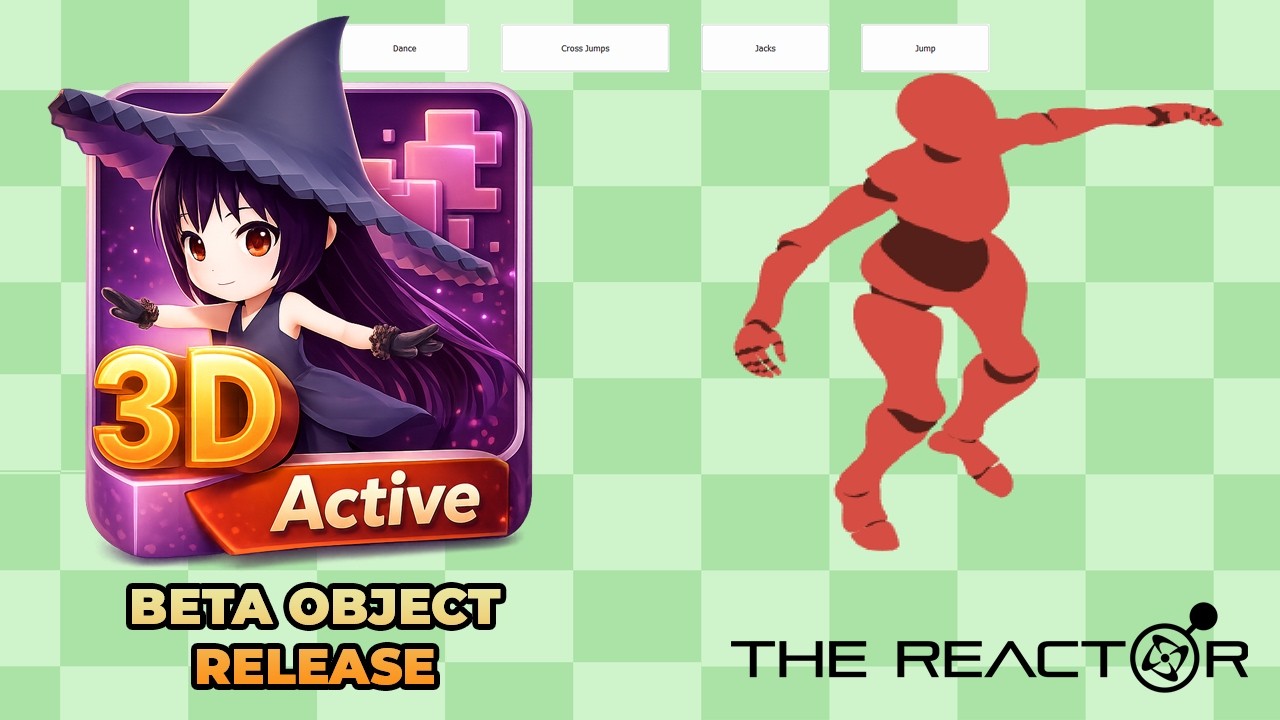
Bring genuine animated 3D characters, props, and even full 3D scenes into Fusion while keeping everything you already know about building 2D games. Active 3D handles the rendering, animation, and camera; your event sheet stays in charge. It is by far the deepest extension in the set, closer to a 3D engine bolted neatly onto Fusion than a simple model viewer.
▶
Industry-standard formats. Renders animated and static FBX, GLB, GLTF, VRM, VRMA, and OBJ assets directly inside Fusion 2.5: characters, props, and set decoration alike.
2D logic, 3D look. Gameplay, collisions, UI, and events stay in normal Fusion objects; Active 3D supplies the visual layer on top of the game you already built.
Full animation control. Play, change, loop, play-once or X-times, scrub by time or frame, set speed, and blend between clips with adjustable transition durations, with events that fire on load, on loop complete, and on finish.
Layered VRM animation. Drive add-on animations on specific body regions or individual body parts, so an upper-body gesture can play over a separate lower-body loop on the same character.
Expressive characters. VRM facial expressions, posable finger curls for hand grips, and held items in numbered slots, each with its own offset, auto-fit, and opacity. Hand your character a weapon or a tool in a couple of actions.
Bone-attached VFX. Pin effect models to any bone with their own transform and opacity: auras, weapon trails, and status effects that follow the skeleton as it moves.
A look you can art-direct. RGB tint, hue rotation, metallic sheen, and opacity, plus a complete PSX retro mode (vertex snap, colour quantization, and ordered dithering) for a deliberate low-fi aesthetic. Contact shadows come with their own texture, size, opacity, and offset.
A real 3D world camera. An optional shared world mode with pan, tilt, zoom, rotation, overscan, and skyboxes, including orthographic, isometric, and dimetric projection. World-to-screen projection lets ordinary 2D Fusion objects track points in the 3D scene.
VRM optimisation built in. Low-poly targets for body and hair, clothing texture layers and visibility toggles, and a boxed proxy for cheap distant rendering.
Tuned for shipping. Texture-filtering and MSAA controls, a lighting toggle, cull buffer, GPU resource warming, global or per-model shader quality and texture scale, and a 3D temporal cache to keep frame times low.
Ships where you ship. Targets Windows HWA/D3D11 and Android GLES3, layering Fusion-native over your existing 2D gameplay.
Active 3D Object Sprite Maker construction
photo_camera A companion tool for baking Active 3D Object-compatible 3D models into PNG sprites.
Turn 3D characters and props into cheap 2D sprites without losing the Active 3D look. Load a model, set the same kind of viewport, model, animation, lighting, clothing, expression, and effect values, then export the exact current view as a transparent PNG cropped to the model. It is especially useful for props, character poses, and pre-rendered animation frames where a full 3D object would be overkill at runtime.
Built for Active 3D consistency. Match pitch, yaw, roll, scale, lighting, contact shadow, tint, hue, opacity, PSX, metal, VRM Phong, and glossy early-CGI plastic effects from the sprite-making workflow.
Supported model formats. Load .vrm, .fbx, .glb, .gltf, and .obj models, with external dependency support for separate textures, buffers, and material files.
Animation capture. Load clips from .fbx, .glb, .gltf, and .vrma, scrub by exact frame, and export the pose you want as a PNG sprite.
VRM-aware tools. Edit VRM expressions, use Mixamo animation retargeting, keep MToon-style highlights, and swap or hide VRoid clothing layers one by one.
Deterministic output. Save presets, reuse exact float values, choose MSAA and internal render scale, and export repeatable transparent PNGs without UI.
Portable Windows app. No install required: open the EXE bundled with Active 3D Object, load a model, and export sprites. Windows may show a SmartScreen warning because the build is unsigned.
ATTS
record_voice_over Give your game a voice: tap into Android native's text-to-speech.
Turn any string into spoken audio straight from the device's own speech engine. Build talking tutorials, accessible menus, fully voiced NPCs, and reactive narration without recording a single audio file, and ship it offline.
Two delivery modes. Interrupt to cut in the instant something happens, or queue lines so dialogue plays back-to-back cleanly without overlapping itself.
Up to 16 distinct character voices. Every slot carries its own pitch, rate, and language, so you can give the merchant a slow low growl and the fairy a fast high lilt, all from one object.
Word-level callbacks. A trigger fires on every spoken word with exact start and end character indices, perfect for live subtitles, karaoke-style highlighting, lip-flap, and talking UI that stays in sync.
Two indexing modes. Read the bare word or the word-with-symbols, so captions line up correctly whether or not you count punctuation.
Truly offline. Automatic device-language detection plus offline voice-pack support means voiced builds that never touch the internet.
Multilingual out of the box. Drive any installed language with standard codes (en-US, es-ES, fr-FR, pt-BR, ja-JP and beyond), per character.
FusionProcessing
animation A real Processing sketch engine living inside a resizable Fusion object.
Bring generative art, procedural backgrounds, and reactive visual effects into Fusion without bitmaps or pre-rendered video. Write a .pde sketch, drop it in, and let it run live, reacting to your gameplay in real time.
Load sketches from your project. Pull .pde scripts straight from Binary Data (or disk during development), shipping procedural visuals with nothing external to install.
A genuine Processing subset. Animated shapes, transforms, palettes, particles, procedural line art, and a practical P3D subset, all interpreted at runtime.
Your game drives the art. Push values in by name or ID (numbers, strings, colours, and booleans), so health, speed, score, or mood reshape the visuals every frame.
Independent timing. Each viewport runs at its own frame rate, fully decoupled from the Fusion application rate, so a 60 FPS sketch can sit happily inside a 30 FPS game.
Built-in performance governor. A per-frame operation budget plus rubberband frame-skipping keep heavy sketches smooth instead of stalling the whole app.
Smart power use. Offscreen auto-pause with a configurable buffer stops invisible viewports from burning CPU while you scroll.
Composite cleanly. Batch multiple sketches and transition between them, with magenta-key transparency and smoothing toggles for crisp layering over your game.
Interactive. Send Fusion objects in as named interaction masks so the sketch can respond to your actual on-screen layout.
NSync
lan ENet-backed network variables for up to 8 running game instances.
NSync is a compact synchronization layer for network variables. Up to 8 instances of the same Fusion game can keep values in sync over ENet while every instance still runs its own logic in-engine. Use it for asynchronous multiplayer, score sharing, card games or asynchronous-style sessions where each player owns their local behaviour while shared data like position, animation, state, and events stays always aligned. LAN only.
Up to 8 instances, no server. Numeric values, strings, and triggers stay synchronized across the whole group, with no internet, no backend, and nothing to host.
ENet under the hood. NSync moves values through the ENet networking library, giving Fusion projects a fast peer synchronization layer instead of a full gameplay framework.
Generous channels. 26 slots each (A–Z) for numbers, strings, and triggers, with room for scores, names, positions, and game events all at once.
Engine-owned logic. Your event sheets still decide movement, combat, animation, turns, scoring, and rules; NSync just keeps the variables each instance needs in sync.
Lean by design. Automatic or manual broadcasting at a rate you set, with per-slot sync modes (continuous or on-change) so only what matters goes over the wire.
Streaming triggers. Hold a trigger at 1–60 Hz for continuous input like held buttons, analogue sticks, or live drawing.
Real connection control. Optional lobby mode with accept/reject approval, pending-connection timeouts, and a max-peer cap, or leave it on auto-accept for instant plug-and-play.
Per-peer logic. A peer loop plus peer IP/ID expressions make player lists and per-device behaviour trivial.
Useful far beyond action games. Build local co-op, asynchronous multiplayer, prototypes, classroom games, card games, shared scoreboards, and museum-style installations where the cloud is overkill.
OnBeat
graphic_eq A music player and beat-detection engine, wired straight into your events.
Stop guessing where the beat falls. OnBeat plays your soundtrack and analyses it in real time, handing you the rhythm as Fusion events, so menus pulse, enemies spawn, and effects fire perfectly in time with the music, even on a track you've never seen before.
48 independent channels. Play MP3 and WAV with per-channel loop, seek, volume, pan, pause, and resume, so you can layer music, stingers, ambience, and loops without ever fighting over a single sound object.
A real beat-detection engine. Auto-detect tempo within a BPM range you set, or lock it manually, with tunable sensitivity, smoothing, phase tolerance, attack/release windows, and a confidence threshold before the clock commits.
The whole rhythm, as events. Fire on every beat, every Nth beat, every bar, on energy spikes, and the moment BPM locks or changes, with no polling the waveform yourself.
Predictive timing. Read time-until-next-beat, beat phase, beat and bar index, and BPM confidence, so you can spawn notes, telegraph attacks, and animate ahead of the music instead of reacting late.
Frequency-aware. Overall and per-band energy, with floor and ceiling thresholds, let the kick drum trigger one thing while the hi-hats drive another.
Authored cues. Add pattern or timestamp cues, or load an entire cue sheet from JSON, ideal for charted rhythm games and scripted cutscene hits.
Latency compensation. A latency offset fires beat events early to cancel audio-output delay, so visuals land exactly on the sound on real hardware.
Built for the genre. Rhythm games, reactive menus, music visualizers, cutscenes, and any audio-synced effect.
Perfect AllIteration
format_list_bulleted Surgical object selection at scale, without iteration loops.
The picking and selection power Fusion always needed. Group, filter, and select exactly the instances you want in a single condition, with no nested fastloops, no fragile scope juggling, and no performance cliff when the object count climbs.
Named lists, instant selection. Build lists of objects and select straight from them, skipping the traditional for-each loop entirely.
A full toolkit. Add, remove, clear, shuffle, and copy lists, plus real set operations: merge, intersect, and subtract.
Scoped picking in one line. Select by alt value, alt string, or flag, with the full set of comparisons (equal, not-equal, greater, less, and their inclusive forms).
Pick exactly what you need. First, last, random, all, even, odd, a percentage, a fixed count, or the match at a specific index, including the last match.
Always current. Auto-built object-name lists stay live as instances are created and destroyed, and mutation-safe loops won't break mid-iteration.
Query without selecting. Match-count and pick expressions return values directly, so you can read group state without disturbing the scope.
Made for heavy event sheets. Big enemy waves, targeting systems, pooled objects, and priority lists where every microsecond on the frame counts.